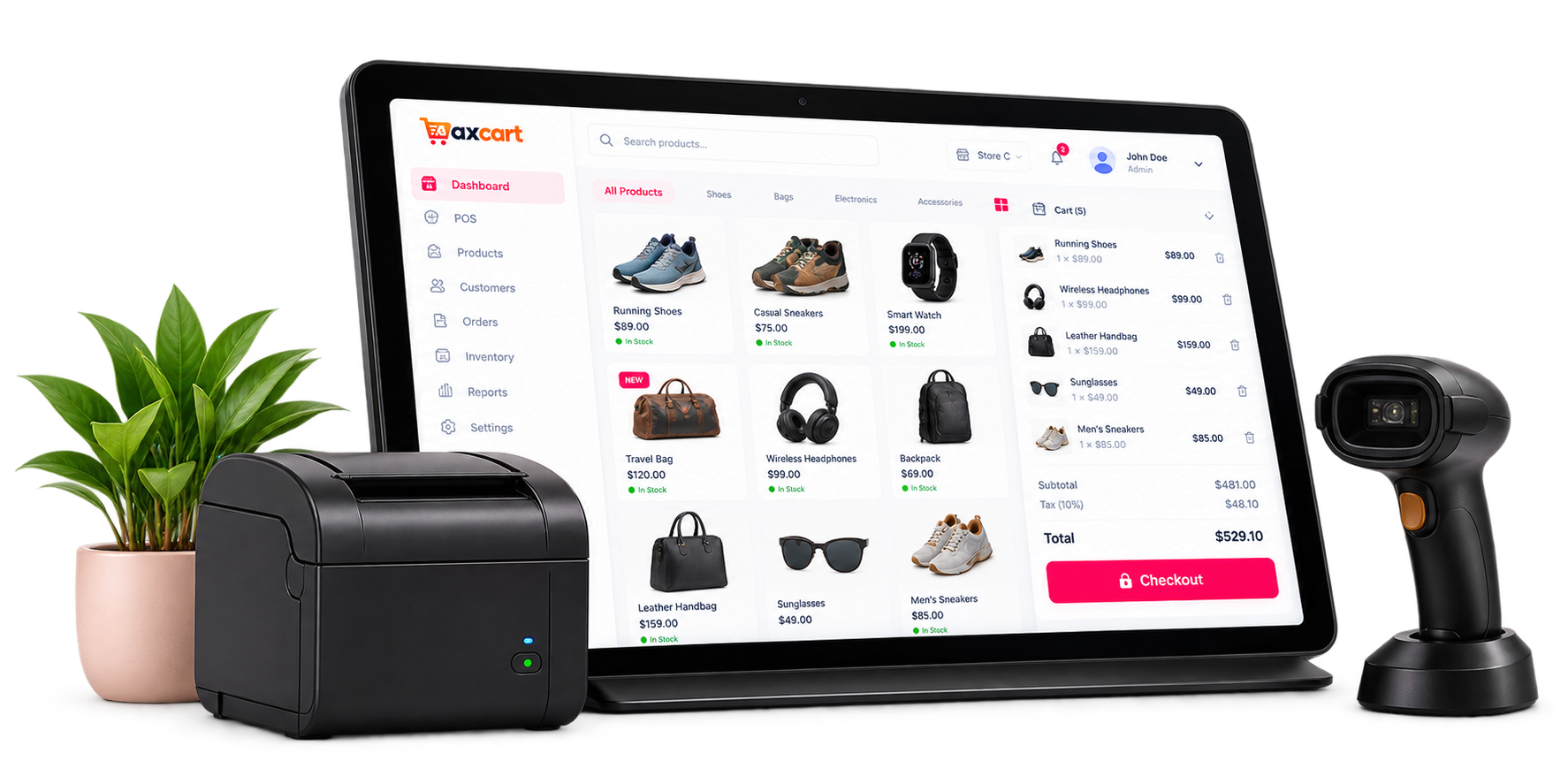
Use the browser-based POS for in-person sales and your storefront for
cash-on-delivery orders. Your team works from the same catalog,
customer records, and warehouse stock.
Fashion & Retail Sizes, colors, barcodes, and customer history
Food & Café Counters Product add-ons, order notes, and receipts
Groceries & Essentials Batch stock, expiry dates, and replenishment
Online Shops Catalog browsing, delivery rules, and COD orders
FAQ
Frequently Asked Questions
What to expect from store setup, billing, and daily work in AxCart.
What can I manage with AxCart?
AxCart brings point of sale, an online storefront, products, warehouse stock, purchases, orders, customers, and reports into one store workspace. Staff permissions let your team share that workspace with the right access.
How does the Free plan work?
Create a store without payment details. Free access lasts for the validity period shown in pricing and your account. Your billing page shows the end date and upgrade options. Current prices, validity, and usage limits are shown before you choose a plan.
What happens after I create my store?
Enter your business and owner details, verify your email when prompted, and choose a plan. Free signup continues to setup; a paid plan goes through checkout first. Setup guides you through business details, your warehouse, currency, and optional staff invitations.
How do my online customers pay?
The storefront currently accepts cash-on-delivery orders. At the counter, you can record cash and card sales. Your AxCart subscription is billed separately through Lemon Squeezy. Ask us about your requirements if you need online card checkout for merchandise.
Can I track stock in more than one warehouse?
Yes. Track quantities by product, variant, and warehouse, receive purchases, and transfer stock between warehouses. Batch and expiry records help you manage dated goods. The number of warehouses available depends on your plan.
Can my staff use the same store account?
Invite staff with their own logins and assign roles with permissions for specific tasks. Staff can set up two-factor authentication, and store administrators can require it for administrator accounts. Your plan sets the number of staff accounts.
Can I change my plan later?
Store owners can review usage, choose an available monthly or yearly plan, and manage their subscription from Billing. The app shows current prices and available intervals before checkout. Each plan sets limits for staff accounts, products, warehouses, and monthly orders.
Can I export my reports?
Sales, product, category, inventory, expense, and profit reports help you review your business. Available report exports use CSV and PDF, so you can share records or open CSV files in your spreadsheet tools.
Does AxCart work without an internet connection?
AxCart is a cloud application used in your web browser and needs an internet connection. You can manage both counter sales and online orders in the app. Try the sample workspace on this site to explore the main flows before creating a store.
Where can I get help?
Store owners can open a platform support ticket from the app. For questions before signup, use the contact form and tell us about your store, team, and stock workflow. Customers can also use your store's own support portal to contact your team.
Ready to streamline your business?
Start Using AxCart Today
Start with the Free access period shown in pricing, then choose a plan that fits your team and stock.